
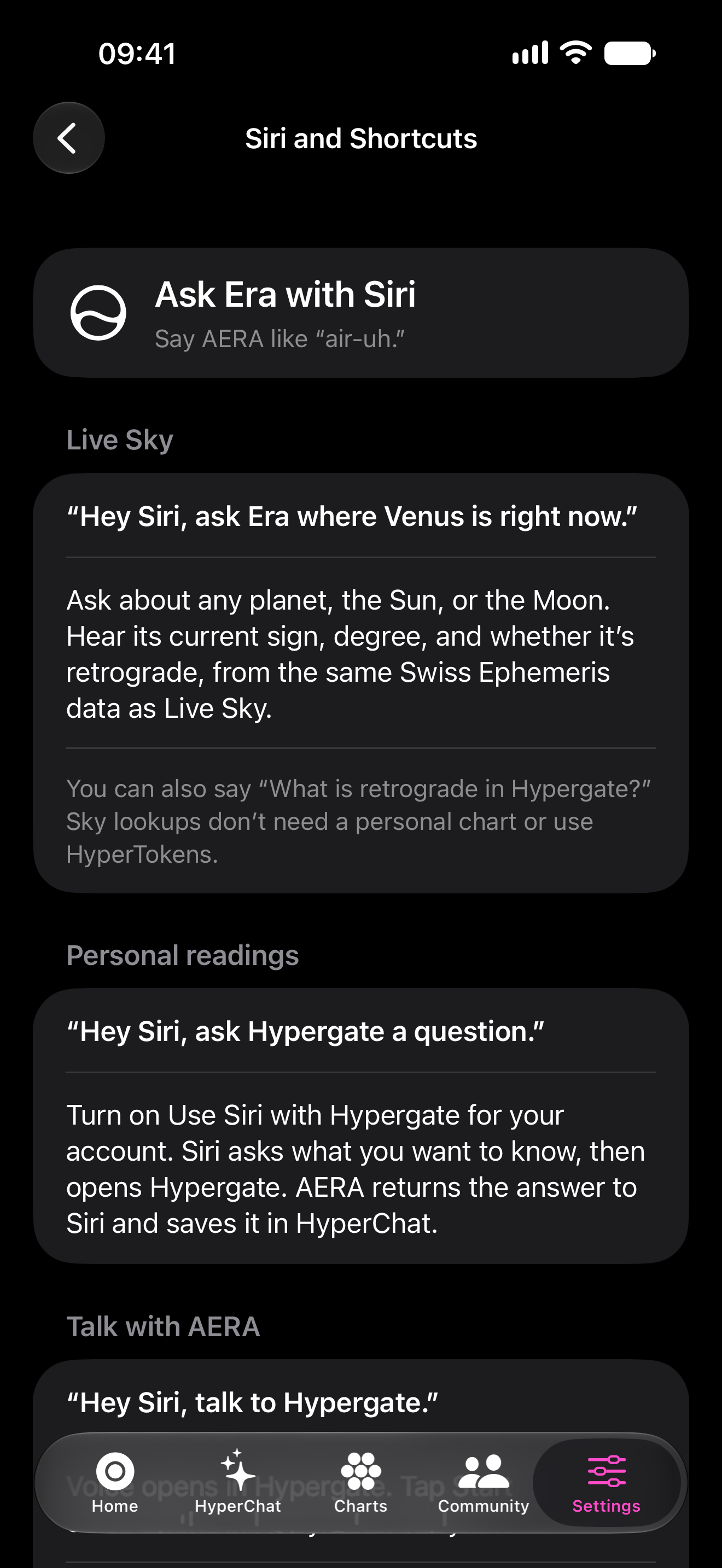
iOS with Siri & Shortcuts
Just ask the sky.
On iPhone and iPad, ask AERA where a planet is now or what’s retrograde. With your permission, take a personal astrology question into Hypergate through Siri.

AI astrology apps
Meet AERA, your AI astrologer in the Hypergate app for Android, iPhone and iPad. Bring your birth chart into the conversation. Ask with Siri on iOS. Check the sky on Apple Watch. Share it in iMessage.
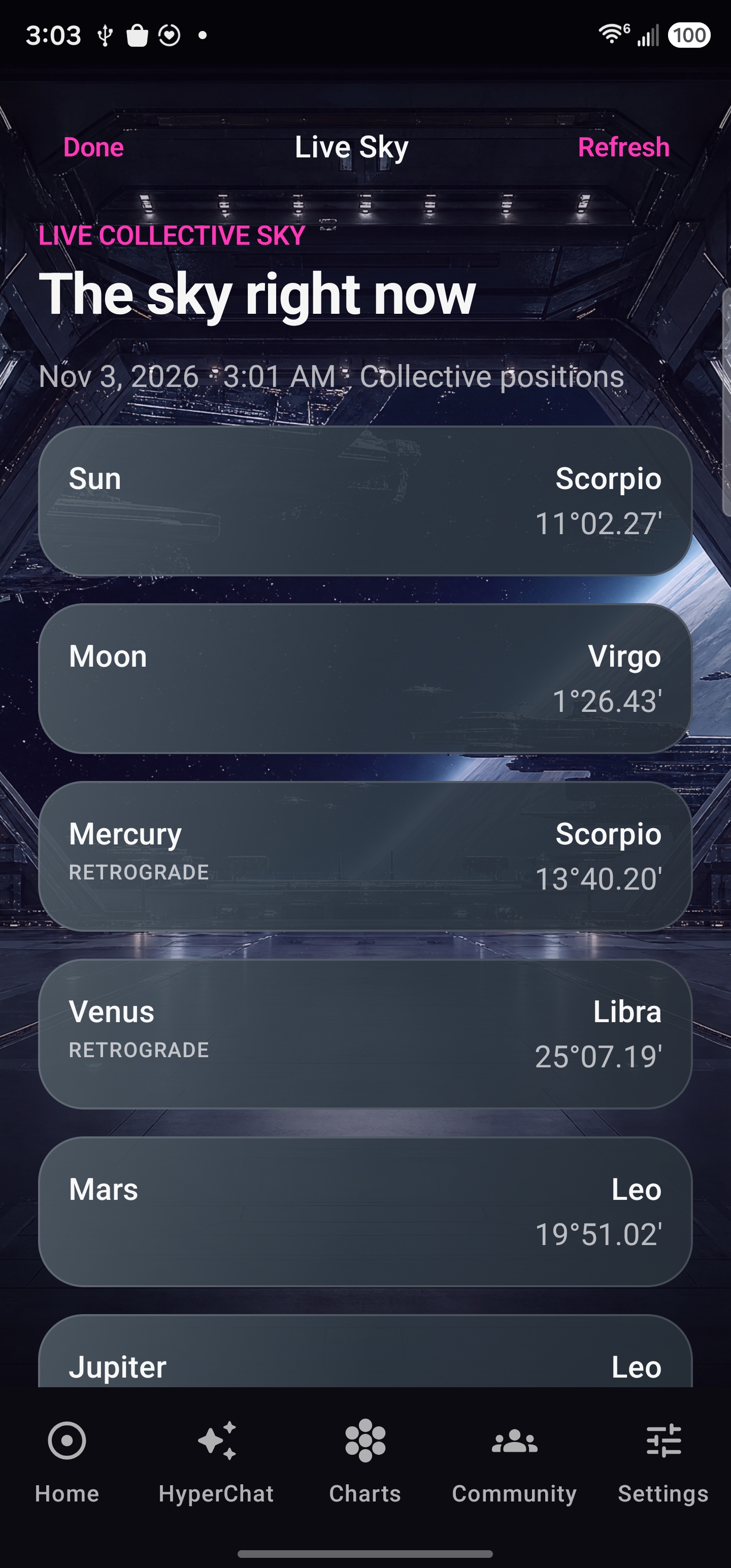
Hypergate for iPhone, iPad and Android
AI astrology apps for Android and Apple devices. Your birth chart, personal transits and AERA’s interpretation, with integrations that bring astrology into your day.


Now on Google Play
Your AI astrology app for Android: HyperChat, your chart library, Live Sky and voice conversations. Sign in with your Hypergate account and bring your questions to AERA.
Get Hypergate for AndroidGoogle Play availability varies by device and region. Membership and feature allowances apply to personal readings and voice.
iOS with Siri. Apple Watch. iMessage.
Ask with your voice. Glance at your wrist. Share a moment.
iOS with Siri & Shortcuts
On iPhone and iPad, ask AERA where a planet is now or what’s retrograde. With your permission, take a personal astrology question into Hypergate through Siri.
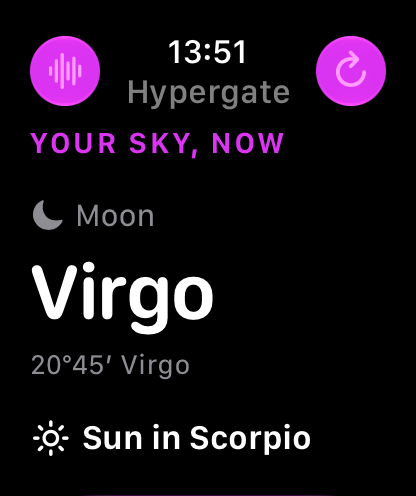
Apple Watch
Keep the current Sun and Moon close, with the Hypergate sky view on your wrist.
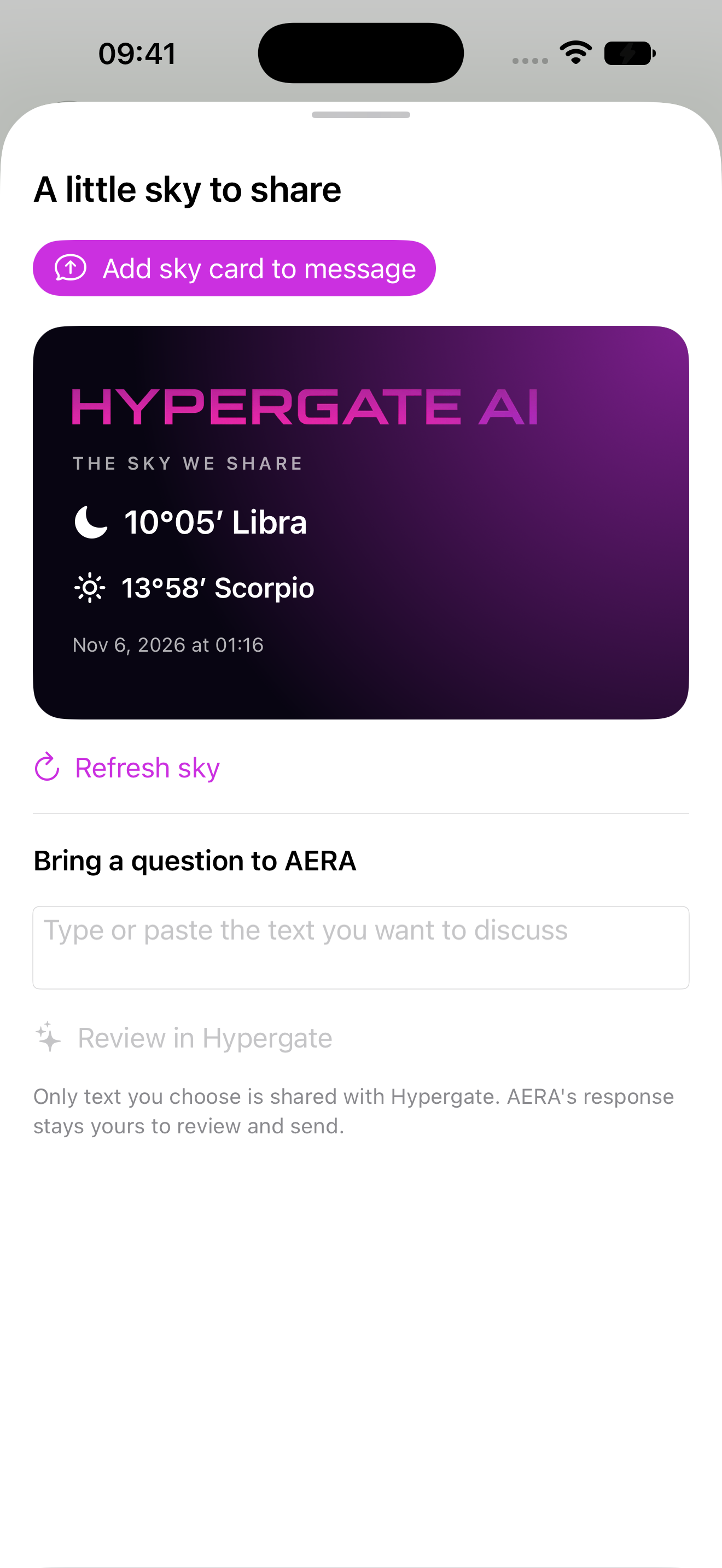
iMessage
Add a Sun and Moon sky card to a message. Bring text you choose into Hypergate, then review AERA’s answer before sharing.
Actual app screenshots show sample or capture-time sky data. Siri, Apple Watch and iMessage require compatible Apple devices. Android and Google Play are trademarks of Google LLC.
Siri & Shortcuts
Ask for a planet’s current sign and degree, or check which planets are retrograde. These sky lookups use calculated positions and do not require your personal birth chart. Say AERA like “air-uh”; the in-app Siri guide also shows the supported phrases.
Sign in to Hypergate and enable “Use Siri with Hypergate” for your account. Ask Siri to ask Hypergate a question. The personal reading opens through Hypergate, and its answer is saved in HyperChat. Personal readings use your account permissions and available allowance.
For a live conversation, Siri can open Hypergate’s voice experience. Start the session in the app when you are ready.
At your desk
Open Hypergate in your browser for chart-aware conversations, image creation, HyperMemory, Live Sky and your account tools. It is a useful home base when you want space to read, explore and return to a conversation.
Open Hypergate on the webThe dedicated Mac app offers a professional chart workspace. Connect the charts you choose to your eligible Hypergate membership for AERA. The Mac app is a separate purchase; local chart libraries are not automatically uploaded or synced.
Explore Hypergate for MacGet started
Use the official App Store or Google Play listing to check device compatibility and availability.
Use the same account to access your available cloud charts and conversations.
Select your chart and choose your memory and Siri preferences where supported.
A few useful answers
Yes. Get Hypergate AI Astrology on Google Play to talk with AERA about your birth chart, explore personal transits, check Live Sky and return to your conversations. Sign in with your Hypergate account; personal readings and voice use your available membership allowance. The official listing shows device and regional availability.
Install Hypergate from the App Store on a compatible iPhone or iPad. Siri can answer supported current-sky questions, including a planet’s position or which planets are retrograde. For a personal astrology question, sign in and enable Use Siri with Hypergate. Siri opens the reading through Hypergate, and the answer is saved in HyperChat. The in-app guide provides supported phrases and setup.
Yes. Hypergate includes an Apple Watch companion in its Apple app listing. The watch app shows the current Sun and Moon on your wrist; use Hypergate on iPhone for your chart-aware AERA conversation. Check the App Store listing for compatible Apple Watch and watchOS versions.
The current App Store listing includes iPhone, iPad, Apple Watch and iMessage. Compatible Apple hardware and supported operating system versions are required; the listing provides current compatibility details.
The iMessage extension shares the text you choose to bring into Hypergate. You review AERA’s response before choosing to send it. It does not give Hypergate automatic access to your message history.
The apps share Hypergate’s account and consultation services, with interfaces and integrations designed for each platform. Siri, Apple Watch and iMessage are Apple integrations. The professional Mac app has a separate purchase and local chart workspace.
Your chart. Your questions. Your next move.