

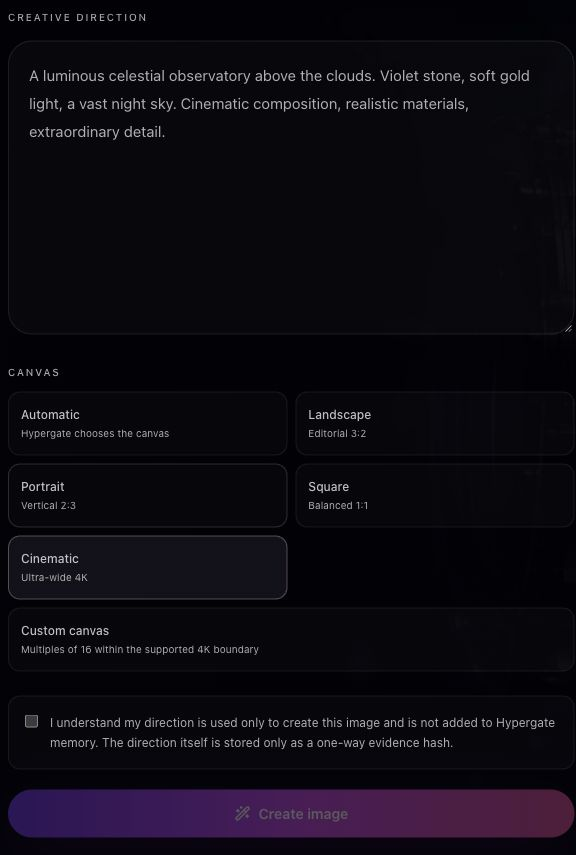
Start with your astrology, then give it a visual direction. In the actual demonstration above, AERA reads a fictional chart’s relationship signatures and creates a Partner Vision in the same HyperChat conversation. The finished portrait appears with controls to correct, regenerate or download it. You can also create images directly in the dedicated Hypergate image studio.
Give your idea a visual direction.
Start with a clear subject, then describe the setting, composition, lighting and mood. You can be specific about the visual language you want: photographic, cinematic, painterly or surreal. Include anything that should not appear when it matters to the result.
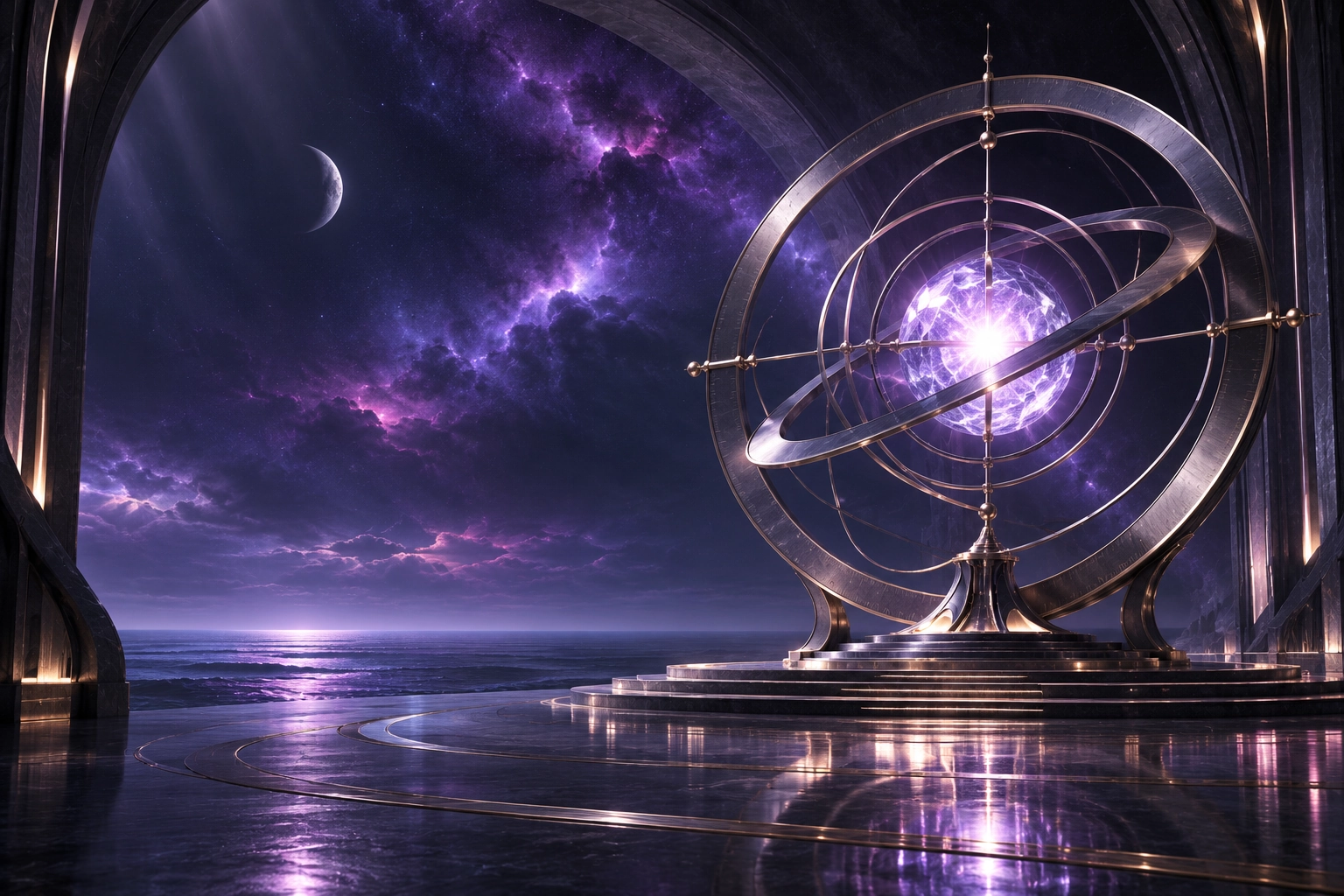
An idea such as a quiet observatory above a violet ocean gives the image a place and atmosphere. Adding brushed metal, soft dawn light and a wide composition gives it a more deliberate visual direction. The image studio turns that description into an AI-generated visual.
Create a Partner Vision from your astrology.
Select your birth chart and ask AERA about your relationship signatures. The Leo King’s 5–7–8 method connects romance, partnership and intimacy. Ask for a Partner Vision drawn from that reading, then direct the person’s adult age, style, setting, lighting and photographic detail.
The demonstration uses that exact flow: one chart, a developed relationship forecast and a portrait created inside the conversation. A Partner Vision is an AI-generated creative interpretation of the reading. Hypergate also supports Story artwork connected to eligible readings.
Your images have a home.
Finished images are saved to the image gallery inside your account. Return to the gallery to view your work, download an image or remove it. Your creative results are not automatically posted to the Community.
Image creation uses the image allowance available with your membership or account. Check your current balance before starting. The membership page shows the current included images, while your account shows your available usage.